









$45.99 Original price was: $45.99.$25.99Current price is: $25.99.
Guaranteed Safe Checkout
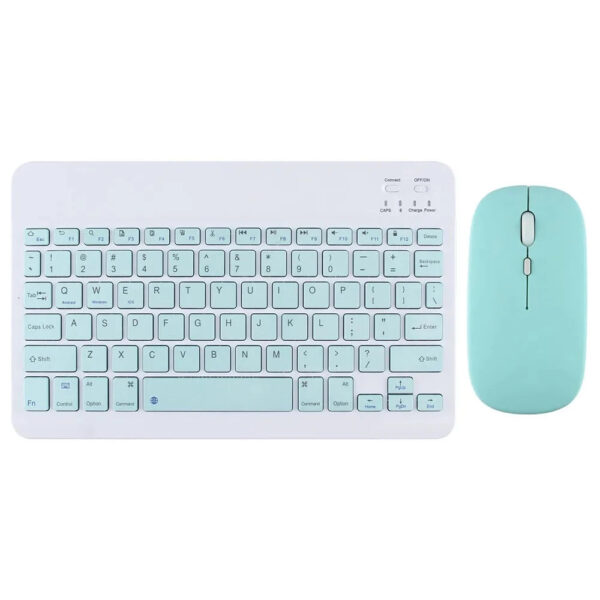
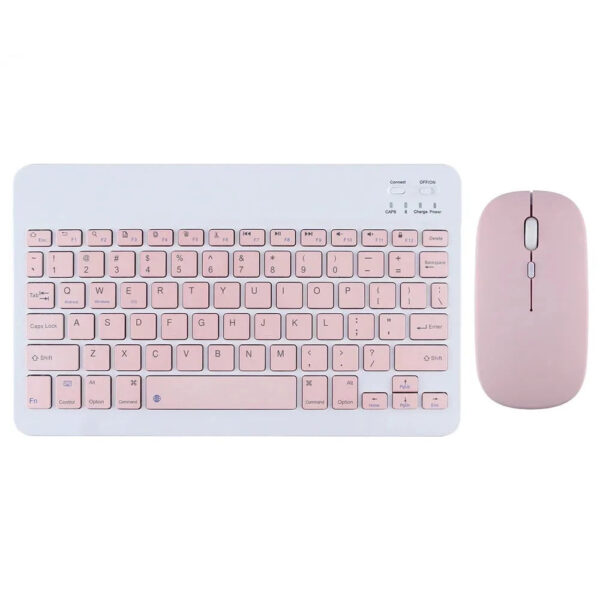
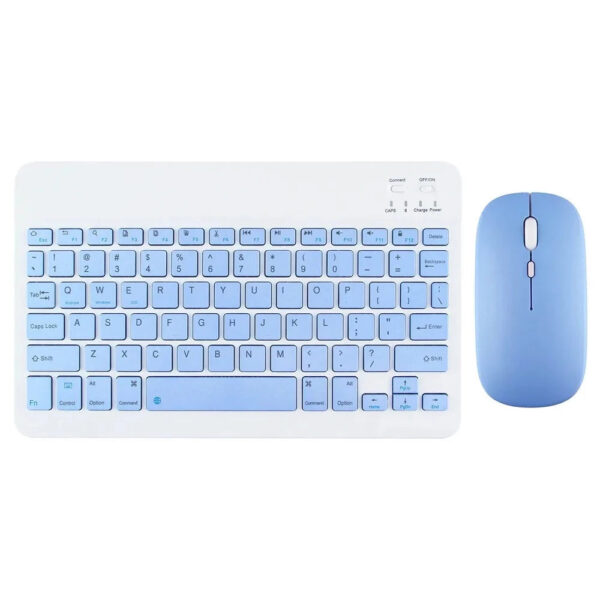
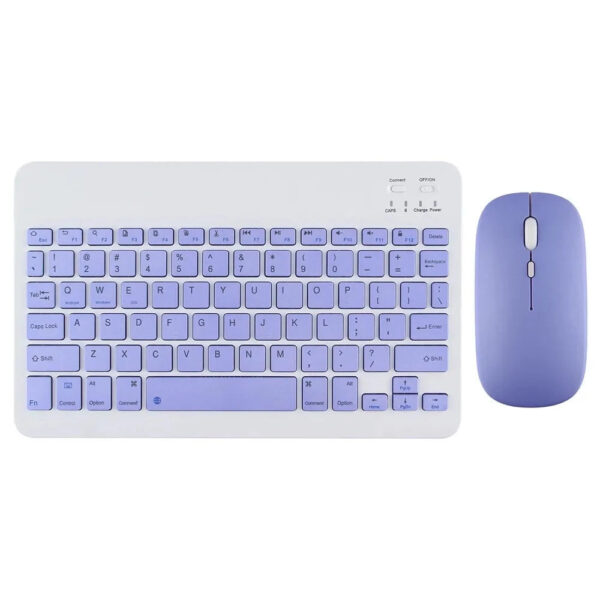
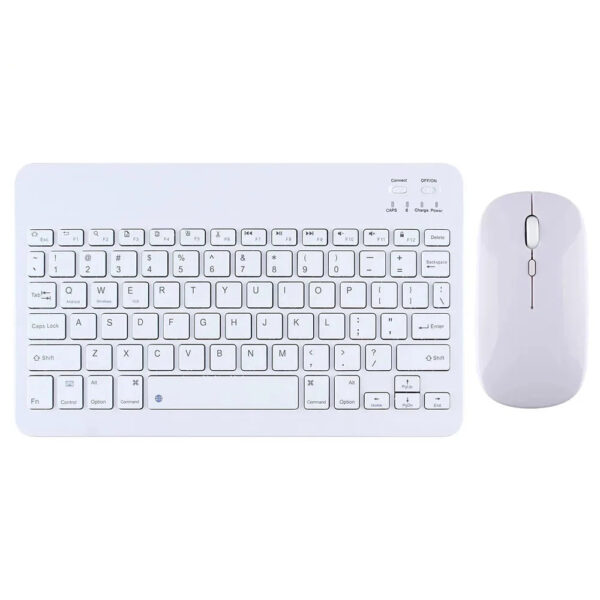
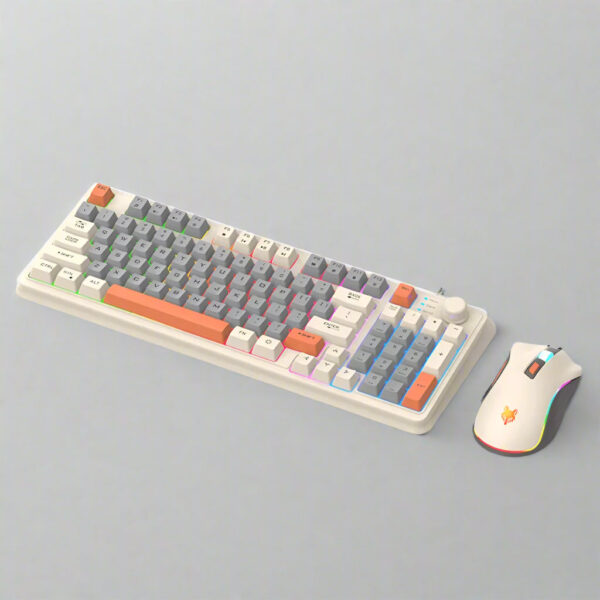
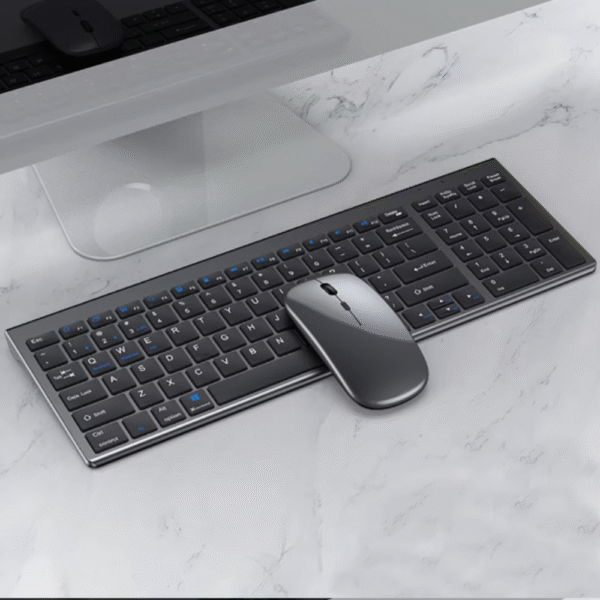
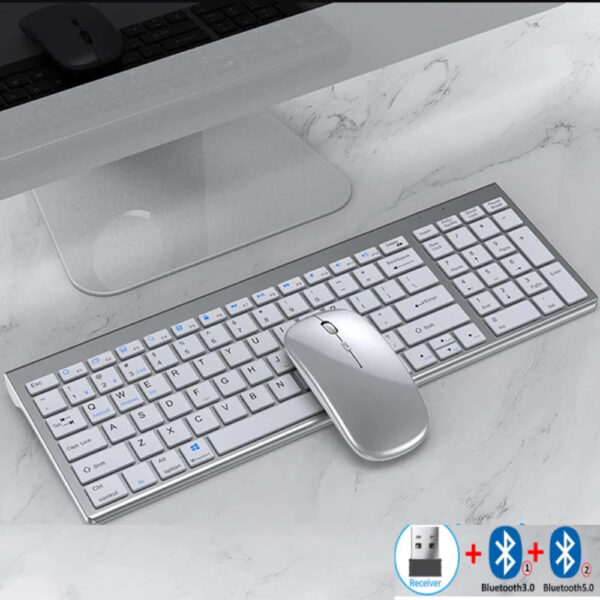
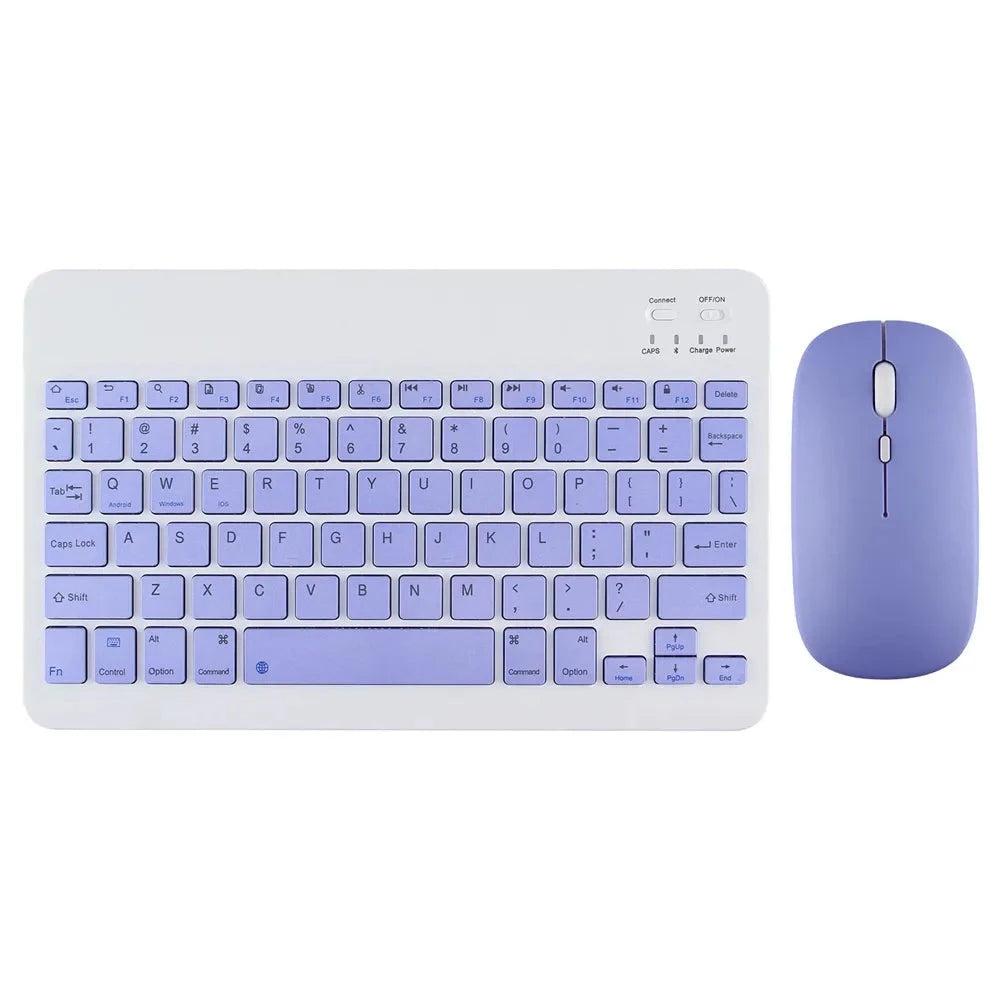
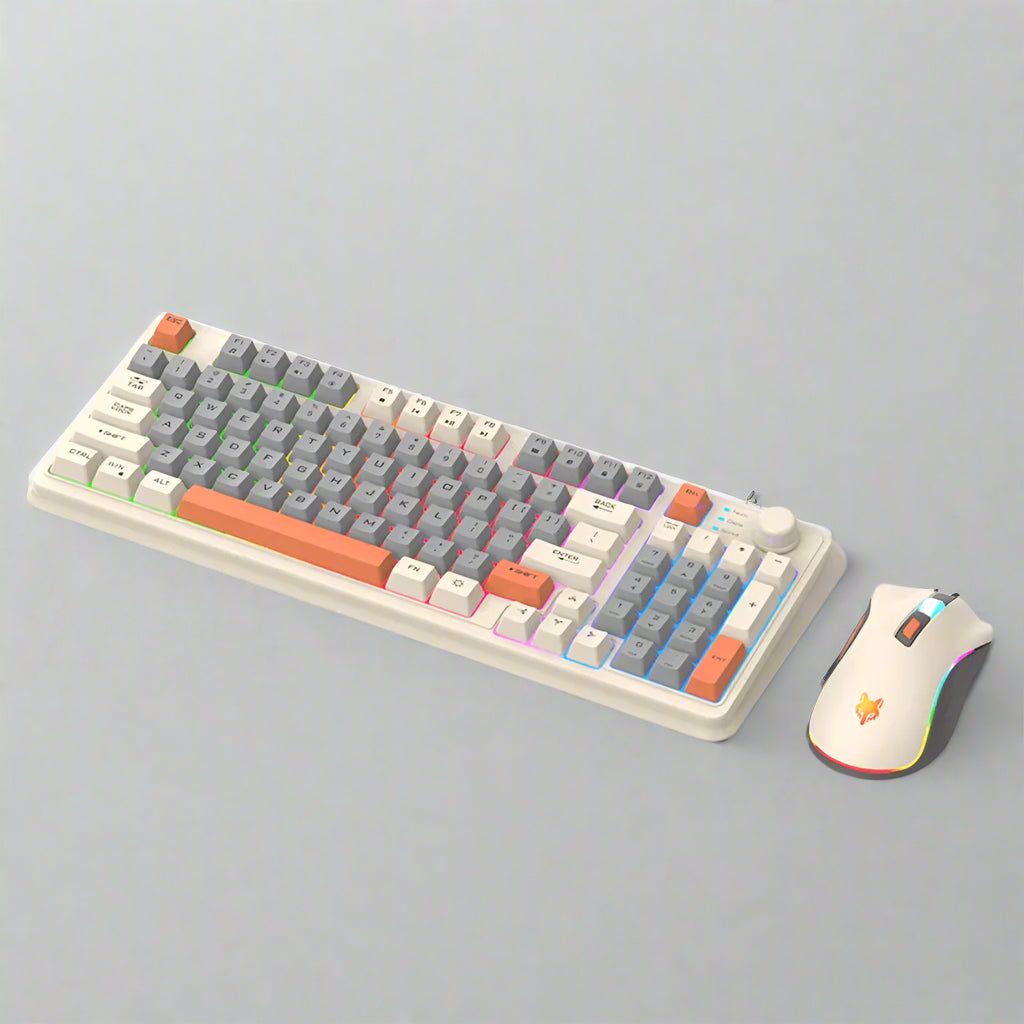
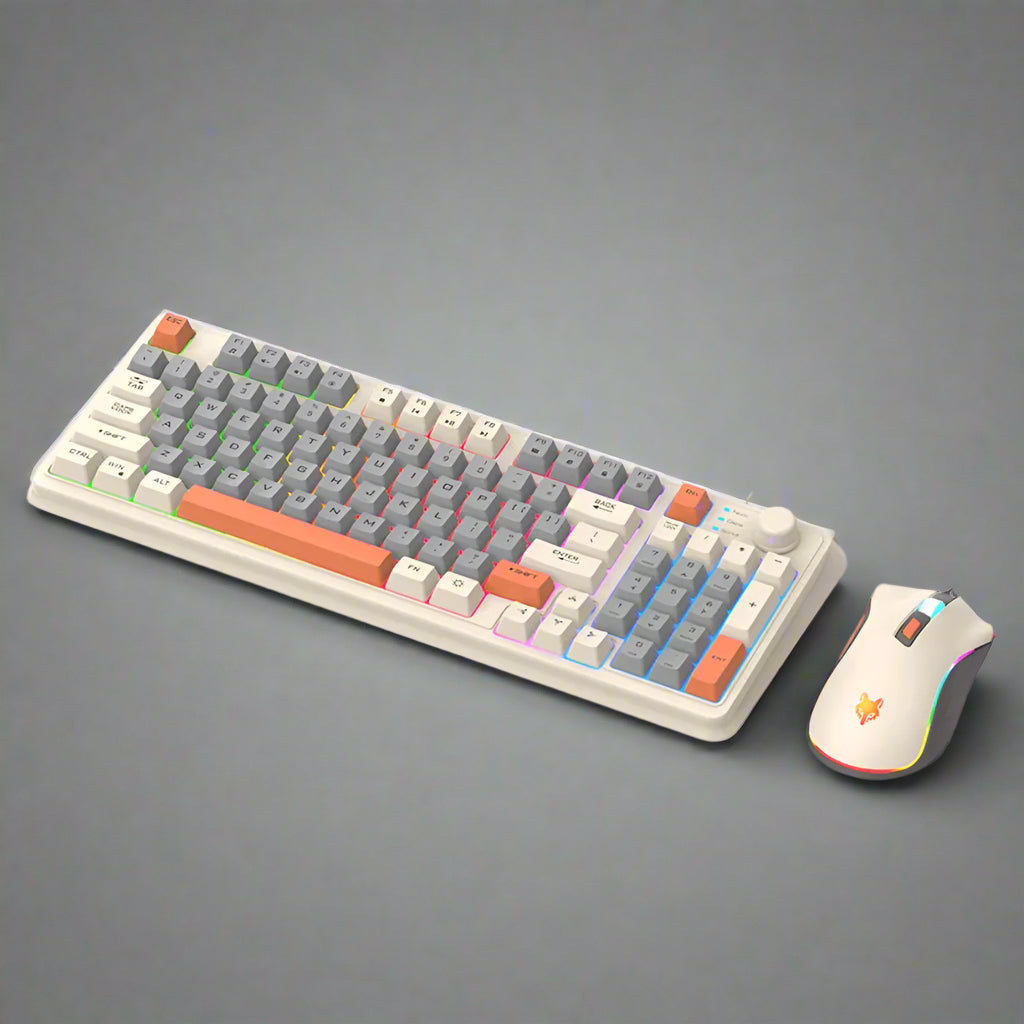
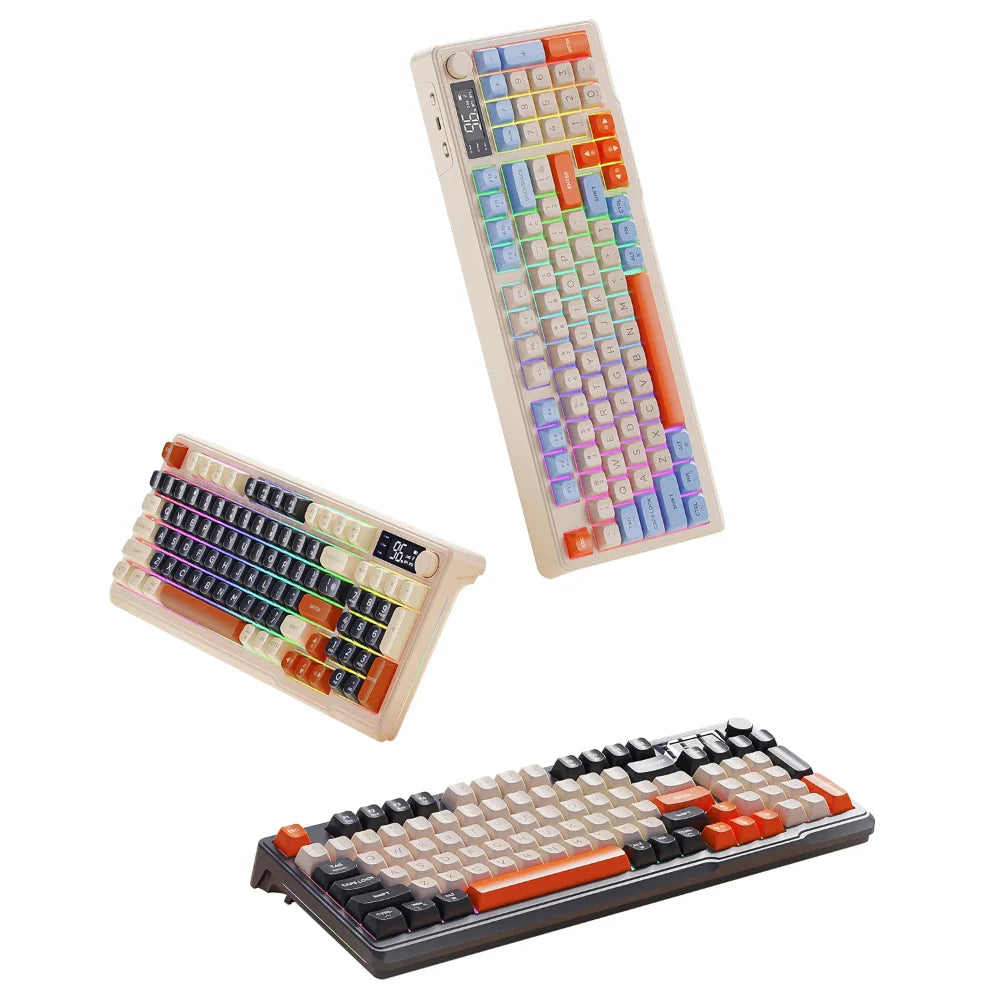
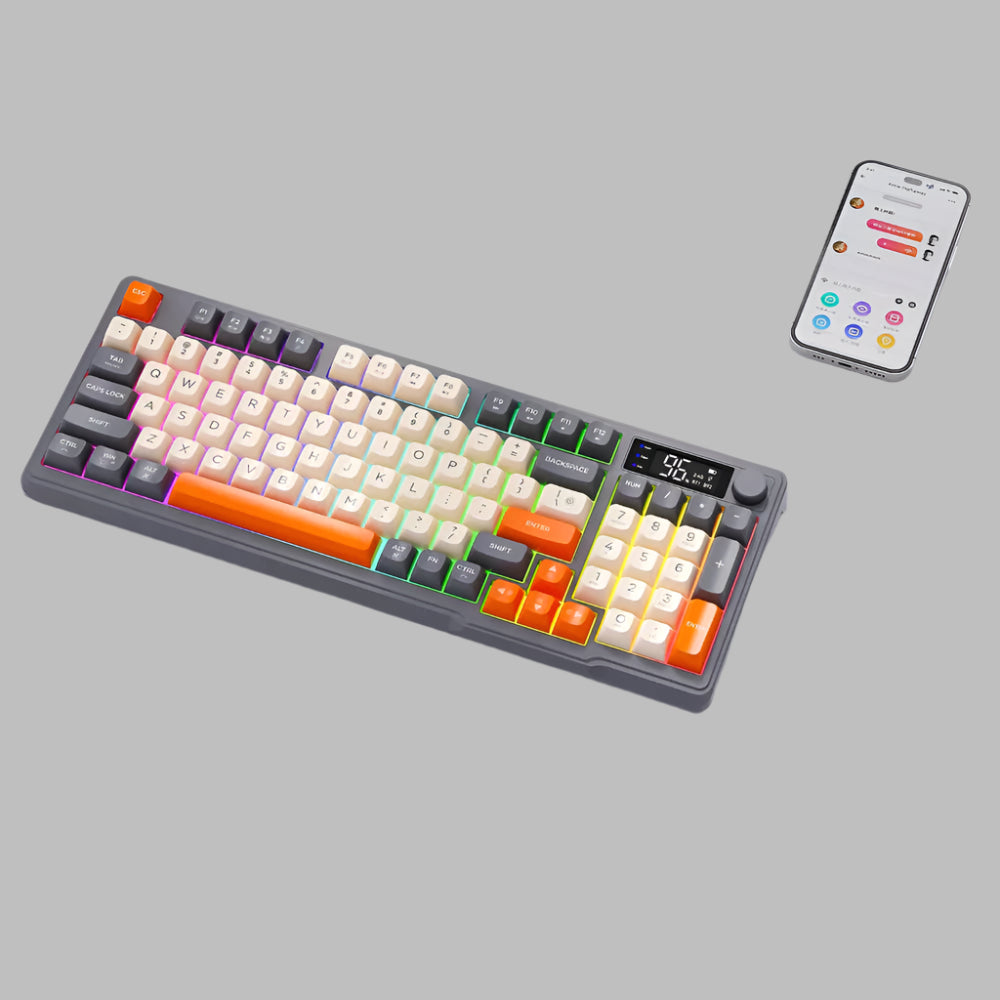
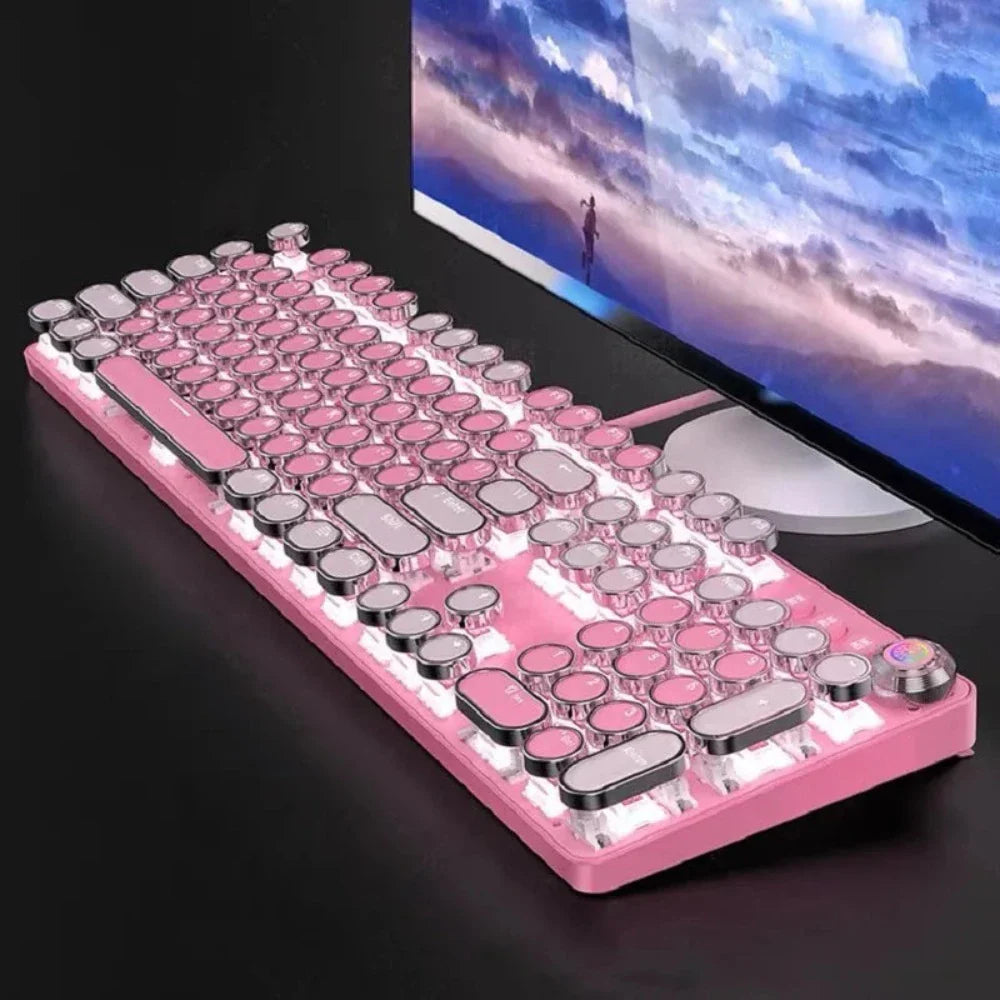
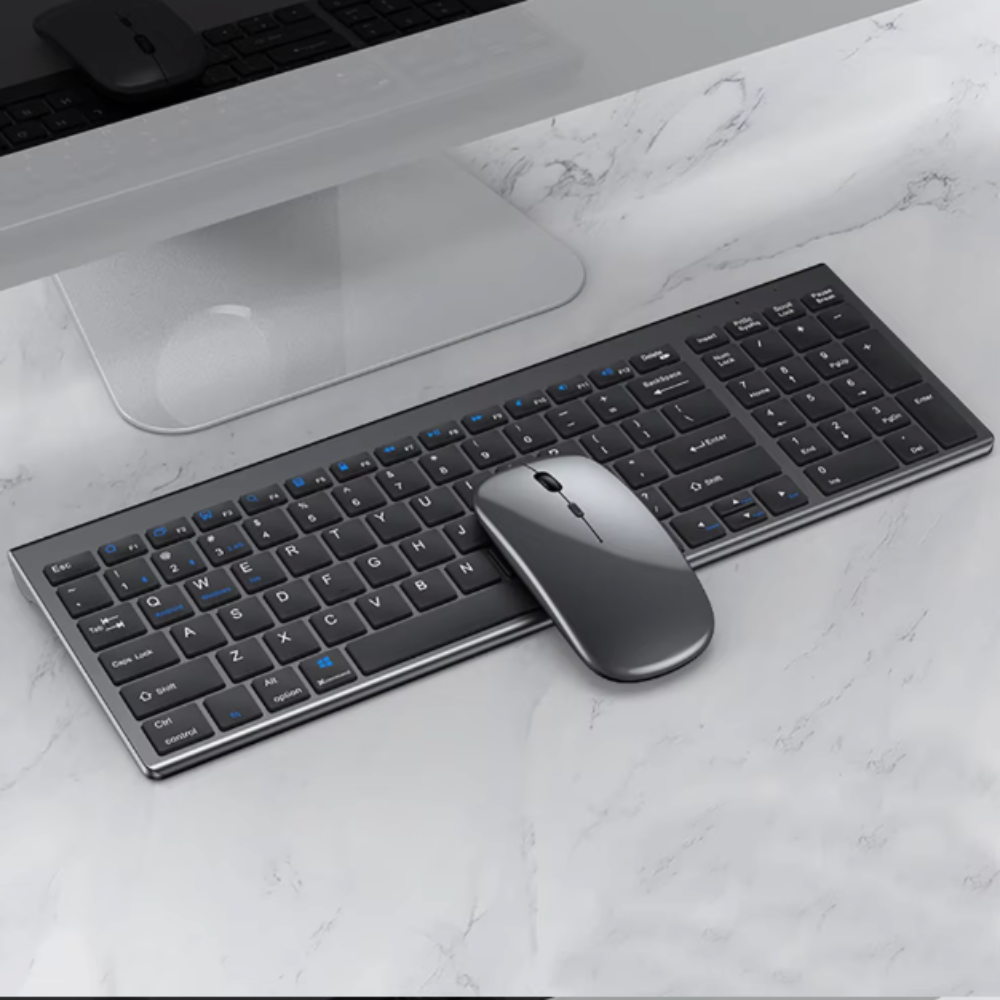
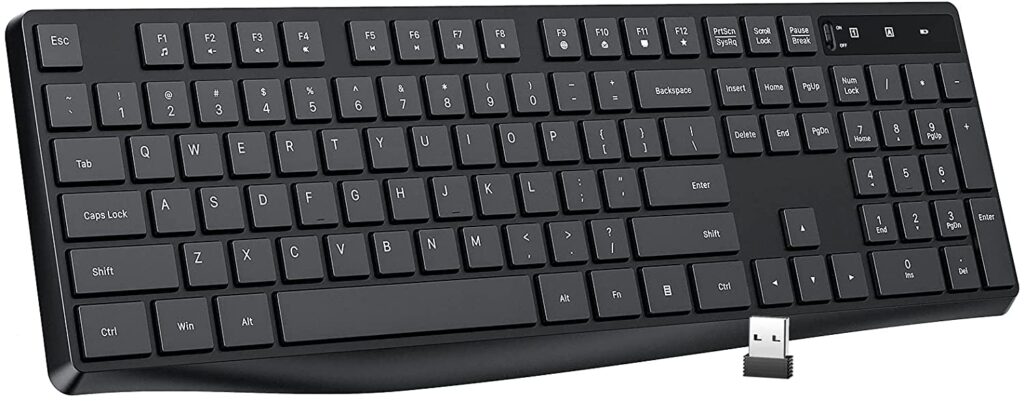
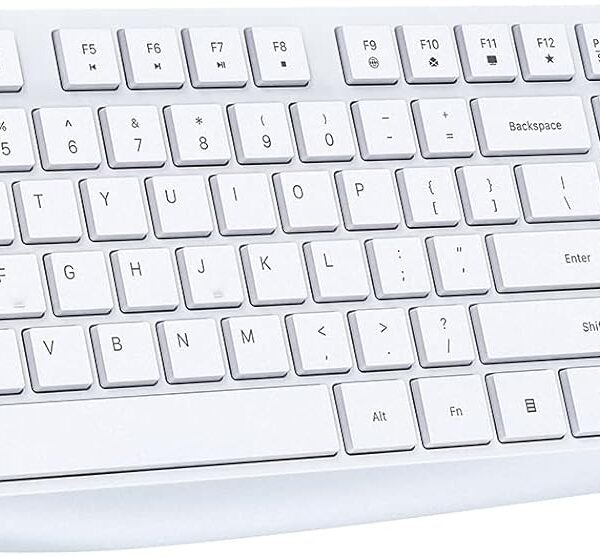
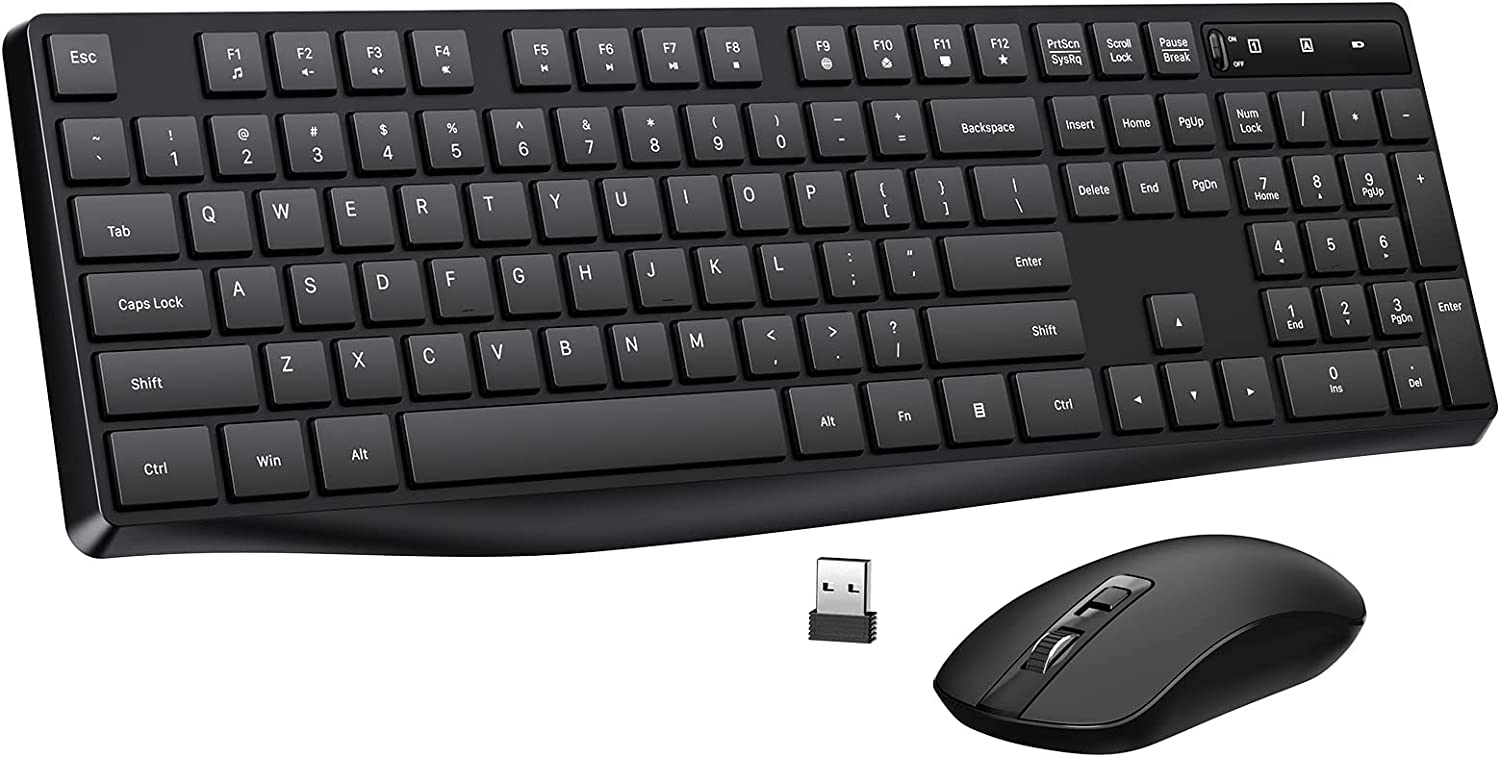
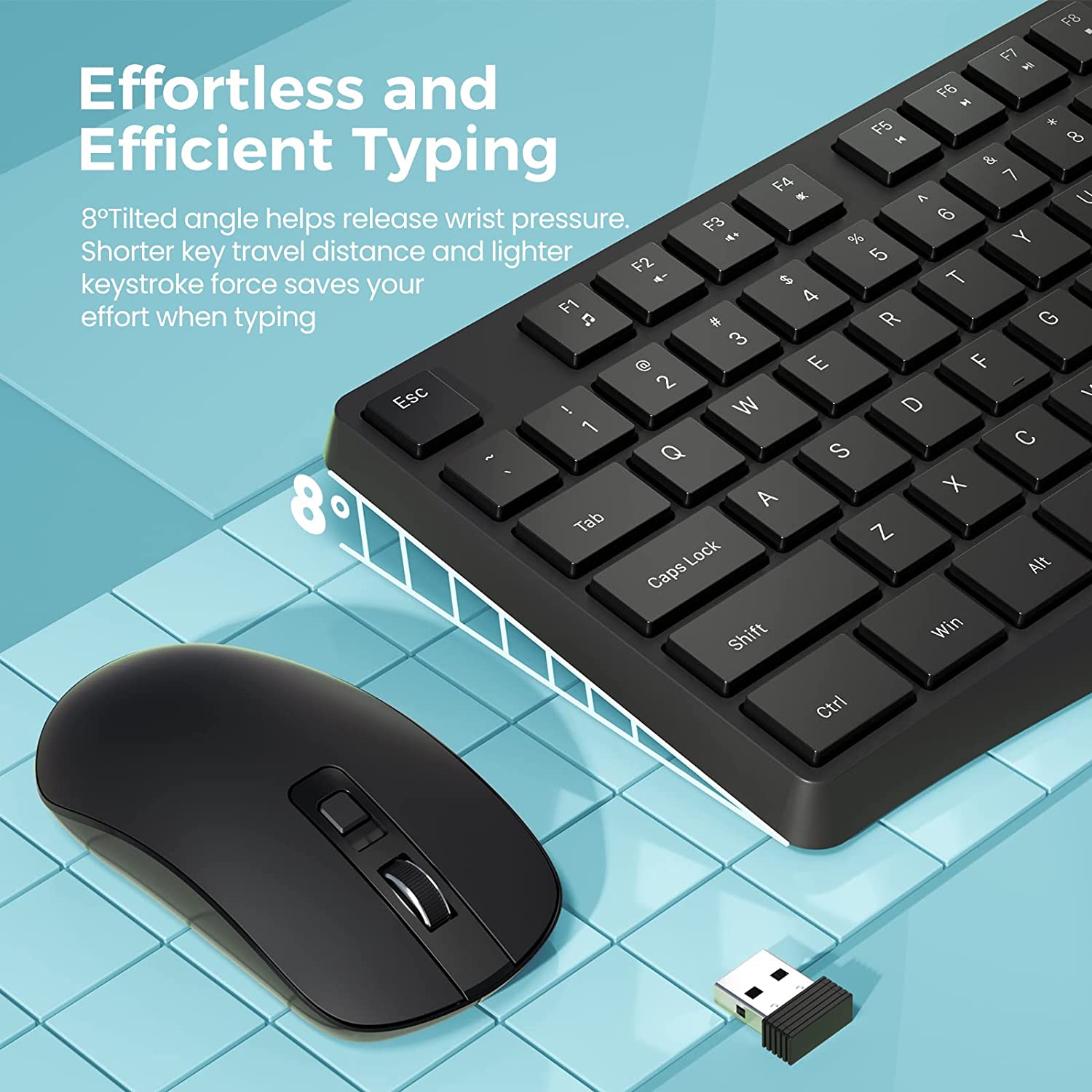
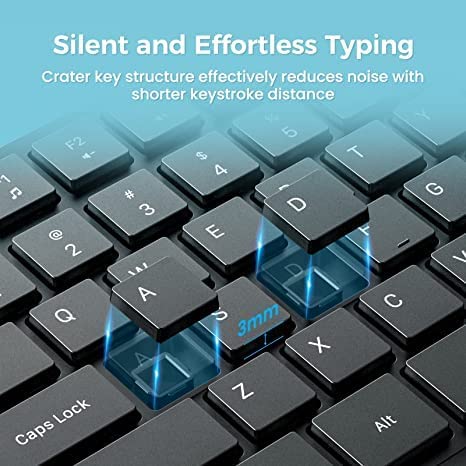
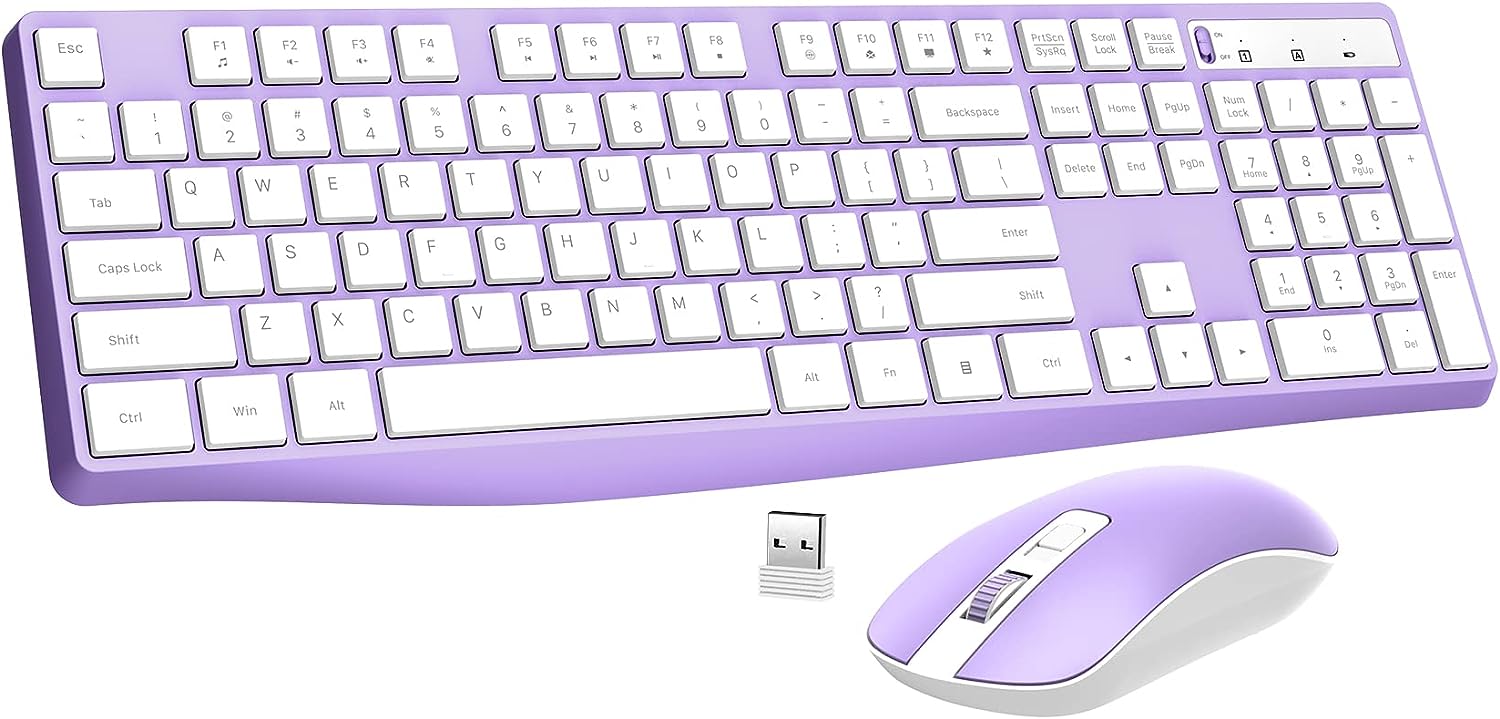
Comfortable Typing Experience– computer keyboard
Slim & Portable Design– wireless optical mouse

|
|
|
|
|---|---|---|
3 ADJUSTABLE DPI(800/1200/1600)3-level adjustable DPI (800/1200/1600) of laptop mouse, allows you to choose your favorite moving speed of cursor. Works well with desktops, Chrome-book, PC, Laptop, Computer and more. |
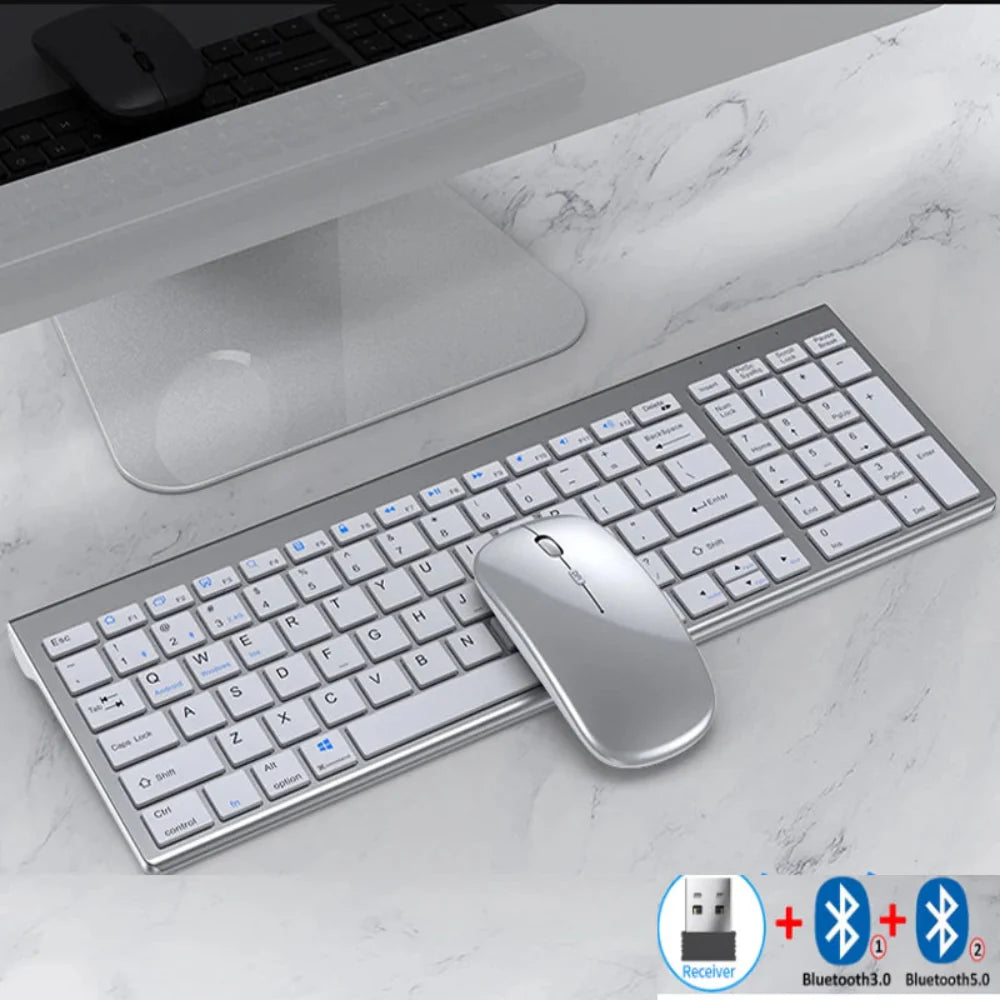
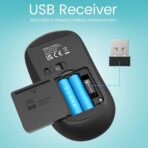
2 in 1 USB RECEIVERA USB receiver can connect the keyboard and mouse wireless at the same time without taking up more USB ports. USB Receiver is beside battery slot of the mouse. Tips: The wireless keyboard and mouse can also be used separately. |
LONG BATTERY LIFEThe wireless keyboard is powered by 1 AAA battery, while computer mouse is powered by 2 AAA batteries. The mouse will enter into sleep mode after 10min of disuse. Please note that turn off power switch when NOT use for a long time. |
|
|
|
|
|---|---|---|
Product Description:
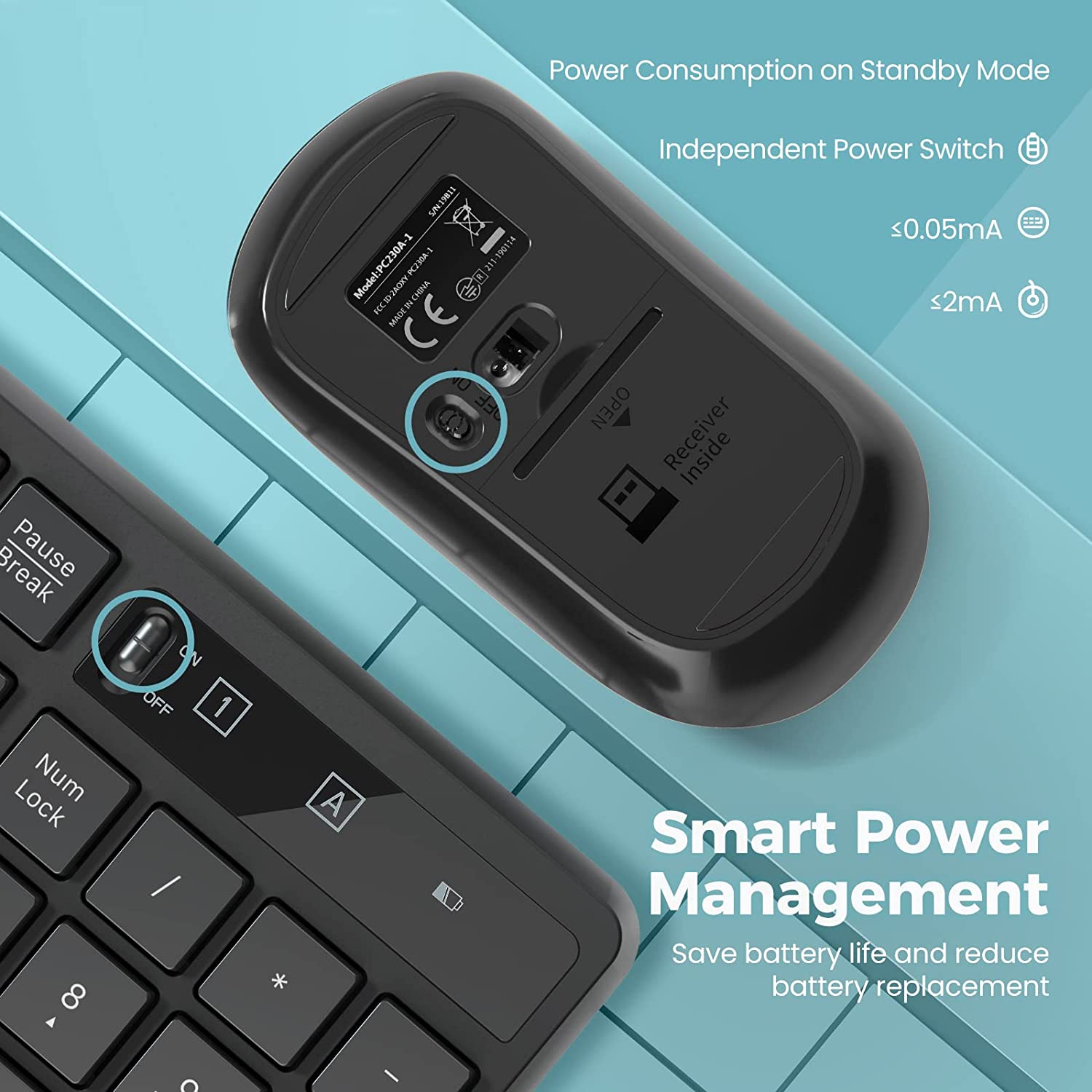
Design for Longer Battery Lifetime
1. If there is no operation with the keyboard and mouse more than 10 minutes, they will turn to sleep mode automatically. Press any key to activate them.
2. Both the mouse and keyboard have independent switch to turn on/off if you will not use them for a while.
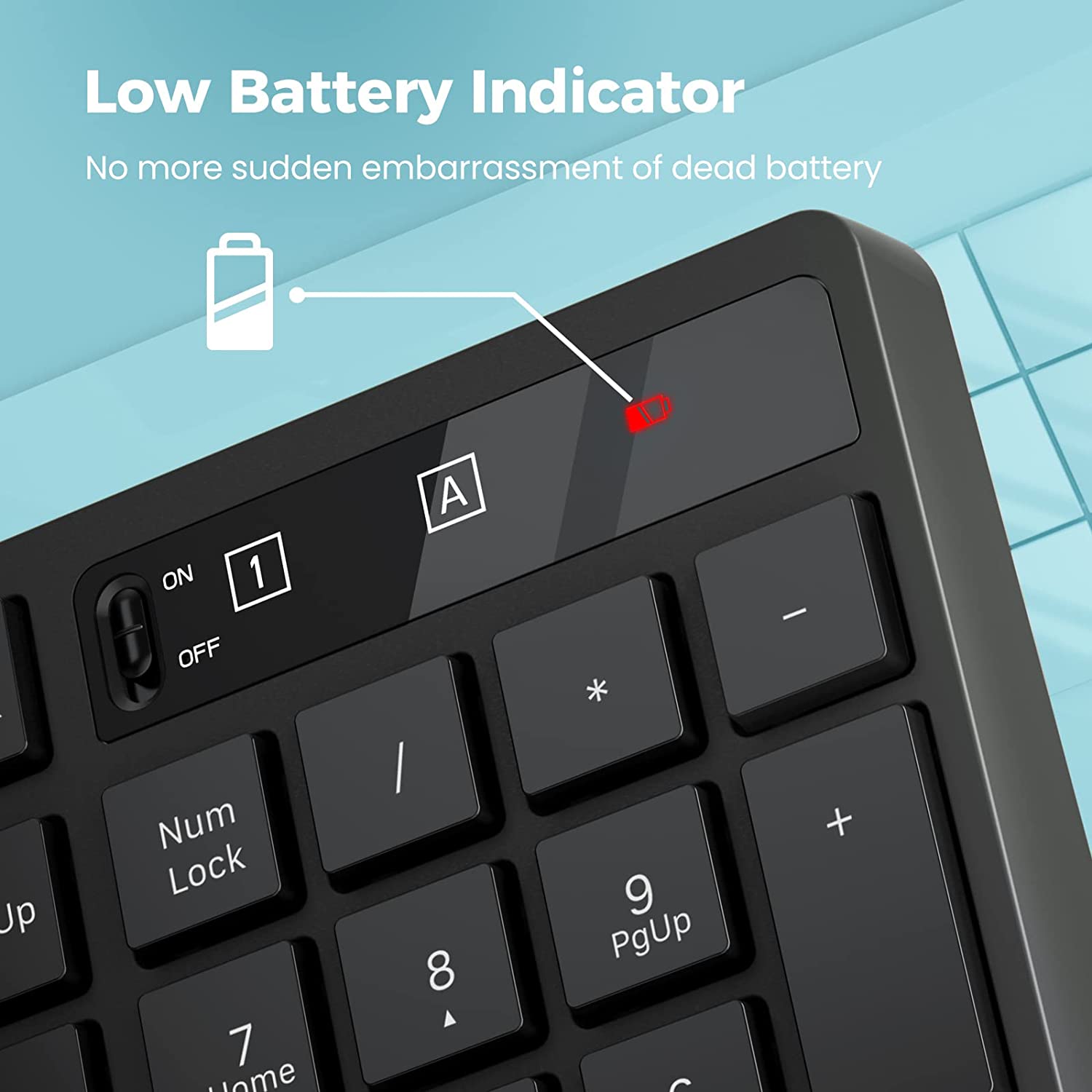
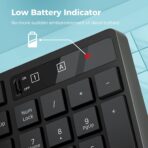
3. The LED indicator light on the keyboard will flash to remind you when to change the low battery.
Specification
Keyboard Dimension: 17.14*5.55*0.88in (43.5*14.1*2.2cm)
Mouse Size: 2.44*4.53*1.26in (6.2*11.5*3.3cm)
Mouse DPI: 800, 1200, 1600
Battery: 1*AAA for Keyboard, 2*AAA for Mouse
Package Contents
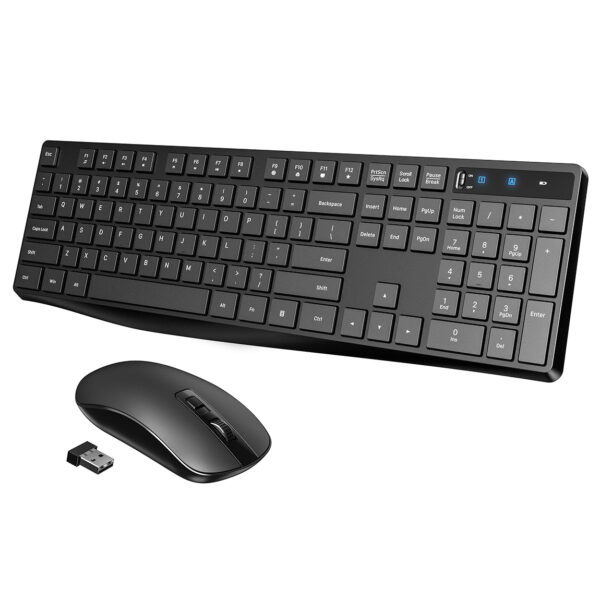
1×Keyboard
1×Mouse
1×USB Receiver (in the mouse battery compartment)
1×User Manual
Tips: Solution to Connection Exception
Keyboard
1. Take out the battery and USB receiver, reload the battery and plug the receiver into the computer.
2. Turn on the keyboard switch, which should be within 20cm away from the receiver.
3. Press and hold the keyboard “ESCâ€?+ “Kâ€?keys together to pair again.
Mouse
1. Take out the battery and USB receiver, reload the battery and plug the receiver into the computer.
2. Turn on the mouse switch, which should be within 20cm away from the receiver.
3. Press and hold the Right button and Scroll button together to pair again.
Note: If the above solution doesn’t help, repeat the procedures to pair again. If it still fail, please contact our service team to work for you.
Power indicator– the new battery into the keyboard and mouse, if the normal connection with the computer power red light will flash 5-8 seconds off, if the computer is not normally connected to the power red light on for a while on off. Low battery mode is to press any key power red light will flash. So when you first start using, the power red light keeps flashing for 5-8 seconds is normal.
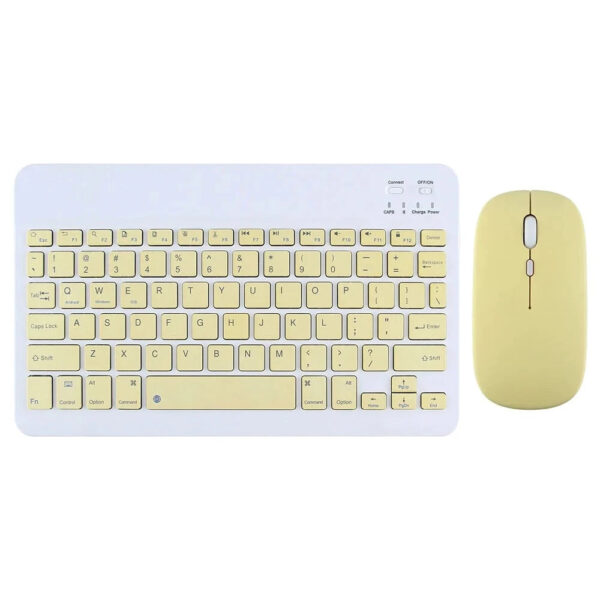
Yellow
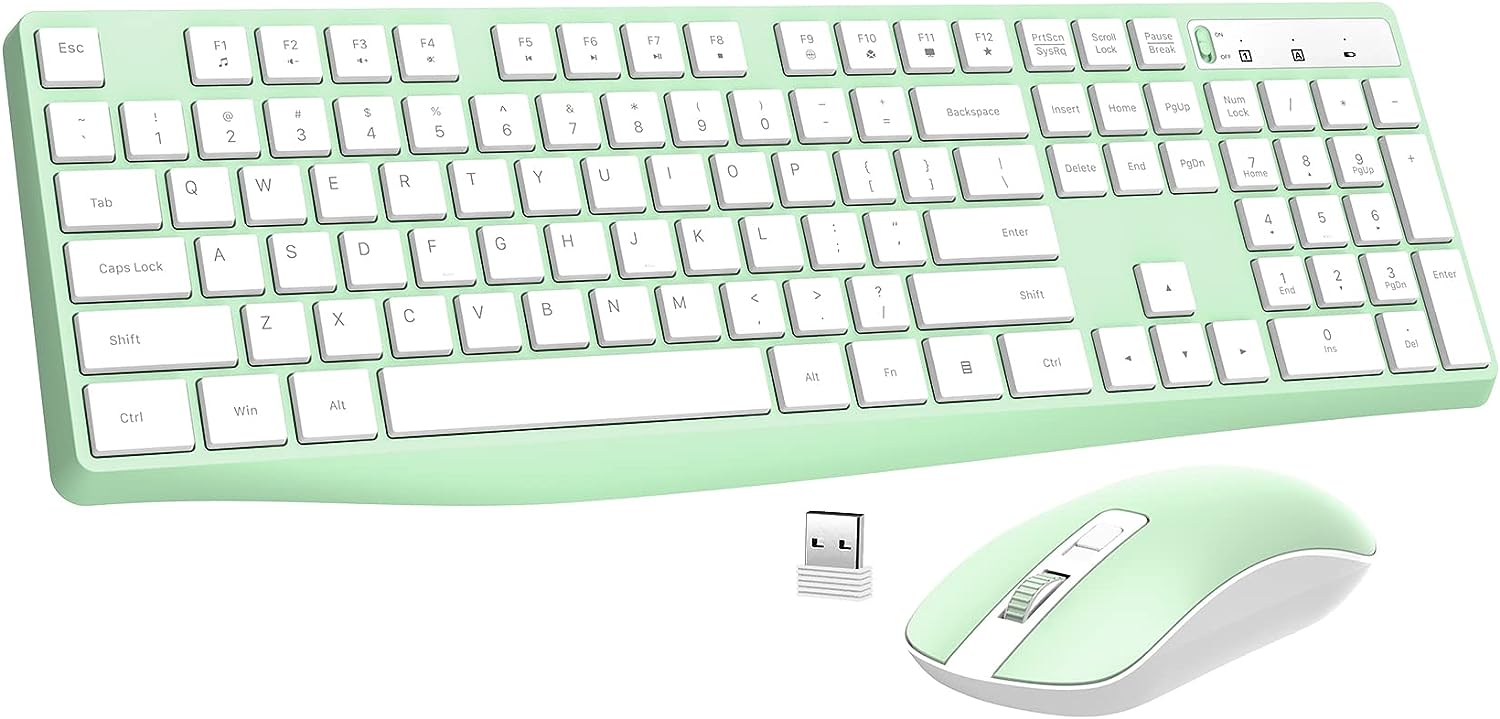
Light Green
Pink
Sky Blue
Violet
White
Beige
Gray
Rustic Red
Gray
Silver
No account yet?
Create an Account
Reviews
There are no reviews yet.